


What isSPACEBLOCK
Feature



Programming
skills
Thinking
skills Judgment skills
Self-learning skills
Supports STEAM education
Co-developed with university professors
Programming Education
starting with "Fun"

SPACEBLOCK is a programming material that corresponds to the STEAM education
concept of "learn by yourself and understand by yourself.
Intuitive programming based on children's imagination,
just like assembling blocks using a dedicated microcomputer board and PC
Children's "I did it! leads to the next "I want to try it!
leads to the next "I want to try it!
What can you do
with SPACEBLOCK?


Programming
Using a computer or tablet, you can create your own image just as you would assemble blocks one by one.
Use your own unique inspiration to create your own program!

Run your program!
Connect the SPACEBLOCK microcontroller board to run your program!
You enjoy as many times as you want. The ligh moves in different ways depending on how you put the programs together!

Group Work
SPACEBLOCK also supports remote learning.You can create a group and ask questions.
You can work in a group even when you are far away from your classmates, friends, or siblings, and challenge programming problems together!
Try
Programming!
Just by registering as a user, you can use programming workbook.
Try programming first!
How to use
SPACEBLOCK


When the SPACEBLOCK microcontroller board arrives, register first!

Create a new project from "My Projects" and start programming!

Once you have completed your programming, connect the microcontroller board and start programming!
Three new features
added to the plans
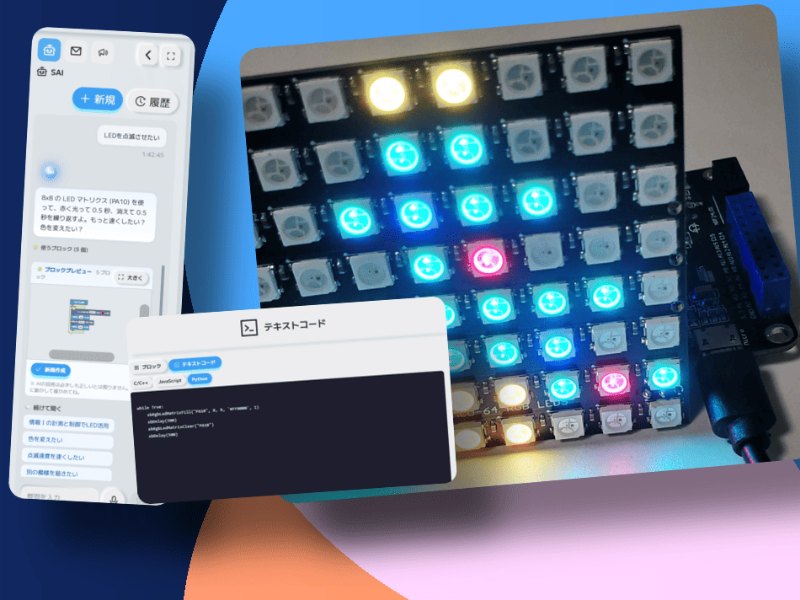
Talk to AI. AI thinks. Things move.
Ask in your own words, and AI builds the program so sensors and LEDs actually move.

One action sets the whole classroom in motion.
Everyone's screens line up and the devices move at once. The same lesson can reach distant classrooms too.
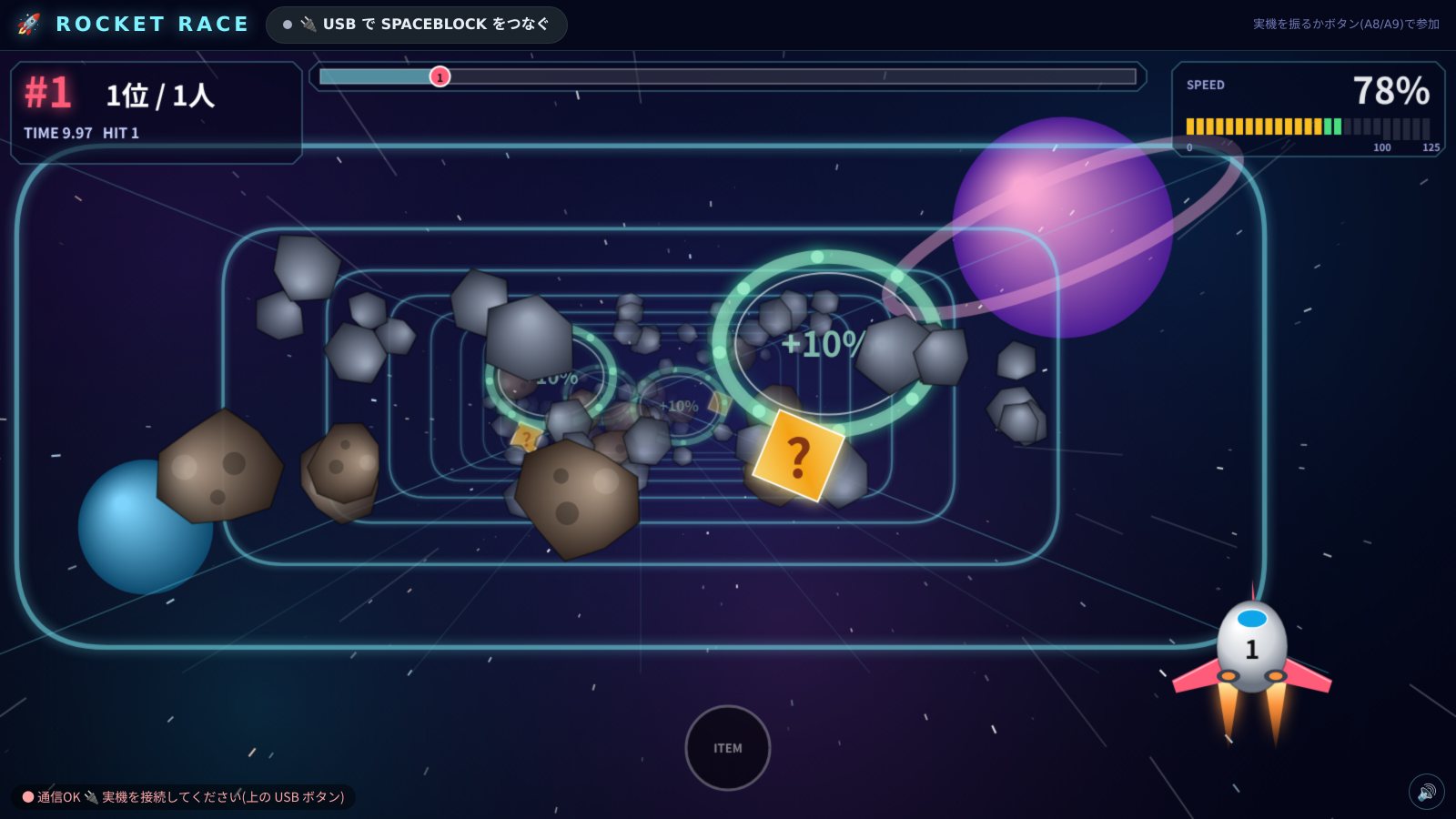
Websites that connect with things.
Students publish the websites and systems they build by URL, linked with real devices.
Save your project
to your collection!

With SPACEBLOCK's Standard Plan, you can save unlimited projects!
You can save all the programs you've created so far, so it's fun to make a collection of your favorites!
