

01
Choose recipients
Choose who to broadcast to: the whole organization, a group in the organization, or specific user IDs.

One action sets every SPACEBLOCK in the room in motion.
Share a program with the whole class at once and move many SPACEBLOCK devices together. Line up everyone's screens at the start of a lesson, or run the same program on every desk at the same time. Expand physical AI learning from one screen to the whole class and the whole space.
One action, and the whole classroom moves.
With a single action by the teacher, every SPACEBLOCK in the classroom moves at once. You can deliver the same lesson to schools far away — a revolution in online classes.
Track record: 240 students in 80 groups at a prefectural high school, at the same timeWhen the teacher broadcasts, the same page or project opens on the students' screens and the program runs at once. The SPACEBLOCK devices lined up in the classroom start moving with the same timing and the same light.
With one action, the sensors, motors and LEDs lined up in a classroom or venue start moving together. AI thinks and many things move in concert. Seeing everyone's SPACEBLOCK light up together also sparks learning from one another.

Use it for whole-class lessons, online classes that connect distant places, and event exhibits.
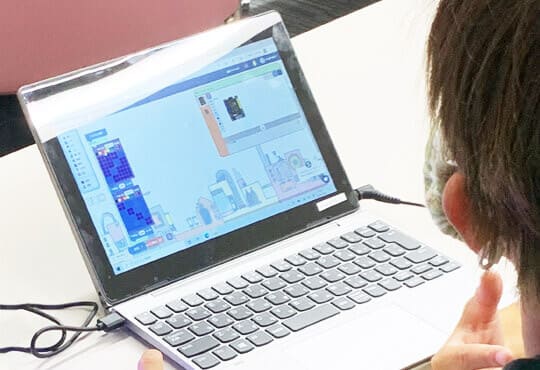
The actions you need to run a lesson are gathered into one broadcast.
Choose who to broadcast to: the whole organization, a group in the organization, or specific user IDs.
Open the page or project you have open on everyone's screen. Students who don't have the project receive a copy.
Run or stop everyone's program at the same time, and every SPACEBLOCK starts moving together.
Use "forced" mode to run on every screen as soon as you broadcast, or "optional" mode to let recipients choose to join.
Send messages and attention signals, run timers, invite students to a video call and share screens, all from the broadcast.
Check each participant's status, such as online, done or no response, in one list.
Feel free to contact us about using it in class or introducing it.
