

01
Generates programs
Just say what you want to do and it generates SPACEBLOCK block programs. Leave complex programs to "Deep think" mode from design onward, or ask it to modify existing programs.
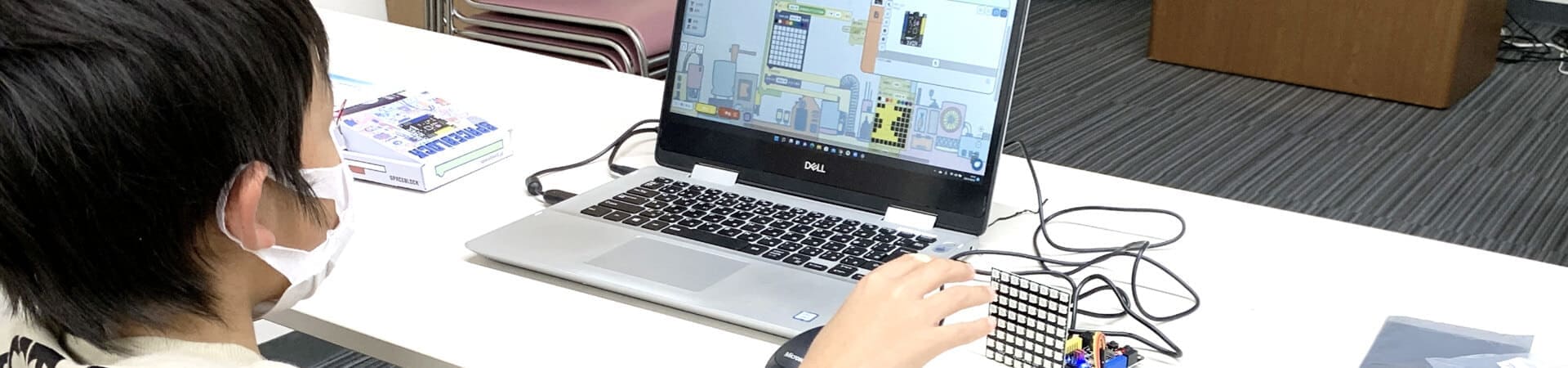
Talk to AI. AI thinks. Things move.
Just ask Physical SAI™ and a program is generated automatically. Apply it and run it, and sensors, motors and LEDs start moving. Start learning "physical AI", which connects the power of AI to movement in the real world, in your classroom.
Talk to AI. AI thinks. Things move.
Describe what you want, and the AI builds the program. Sensors and LEDs actually move. Look at the result and fix it again. It's trial and error, together with AI.
Builds the skill to iterate with AIEven first-time programmers can start by saying what they want to do.
Tell it what you want to do by text or voice. You can also attach a photo or part of the screen.
It answers with an explanation and a block preview. Use "⚡ Normal" for everyday questions and "🧠 Deep think" to design complex programs first. You can also see the code in C/C++, JavaScript and Python.
Press "Apply" to add the blocks to your program, then run it to move the device. You can also ask for changes such as "fix just this part".
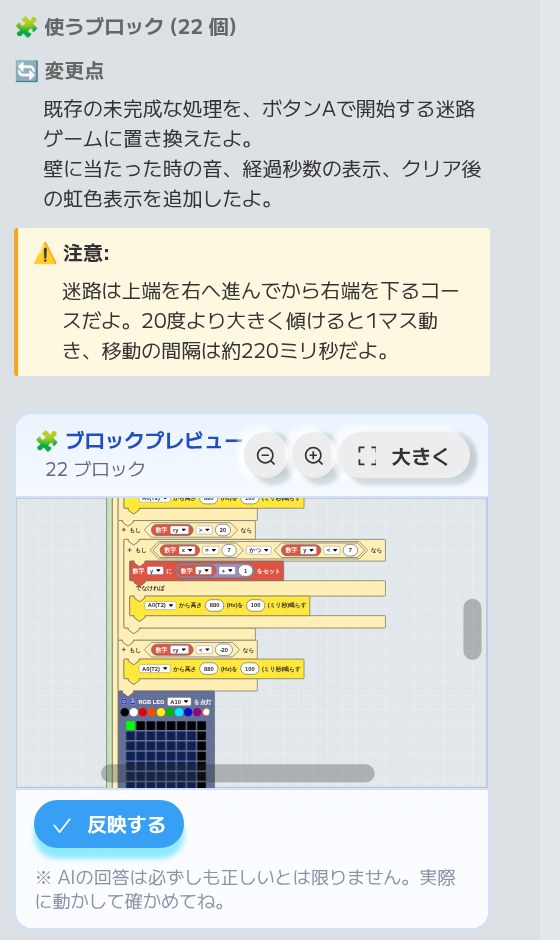
Switch to "Deep think" and Physical SAI™ takes time to think, makes a design plan, and then builds the program. Even programs that combine many blocks, such as a maze game that starts with a button, is steered by tilting the gyro, and uses the buzzer, OLED and LEDs, can take shape from a single request. It also explains how many blocks it uses, what changed and what to watch out for.
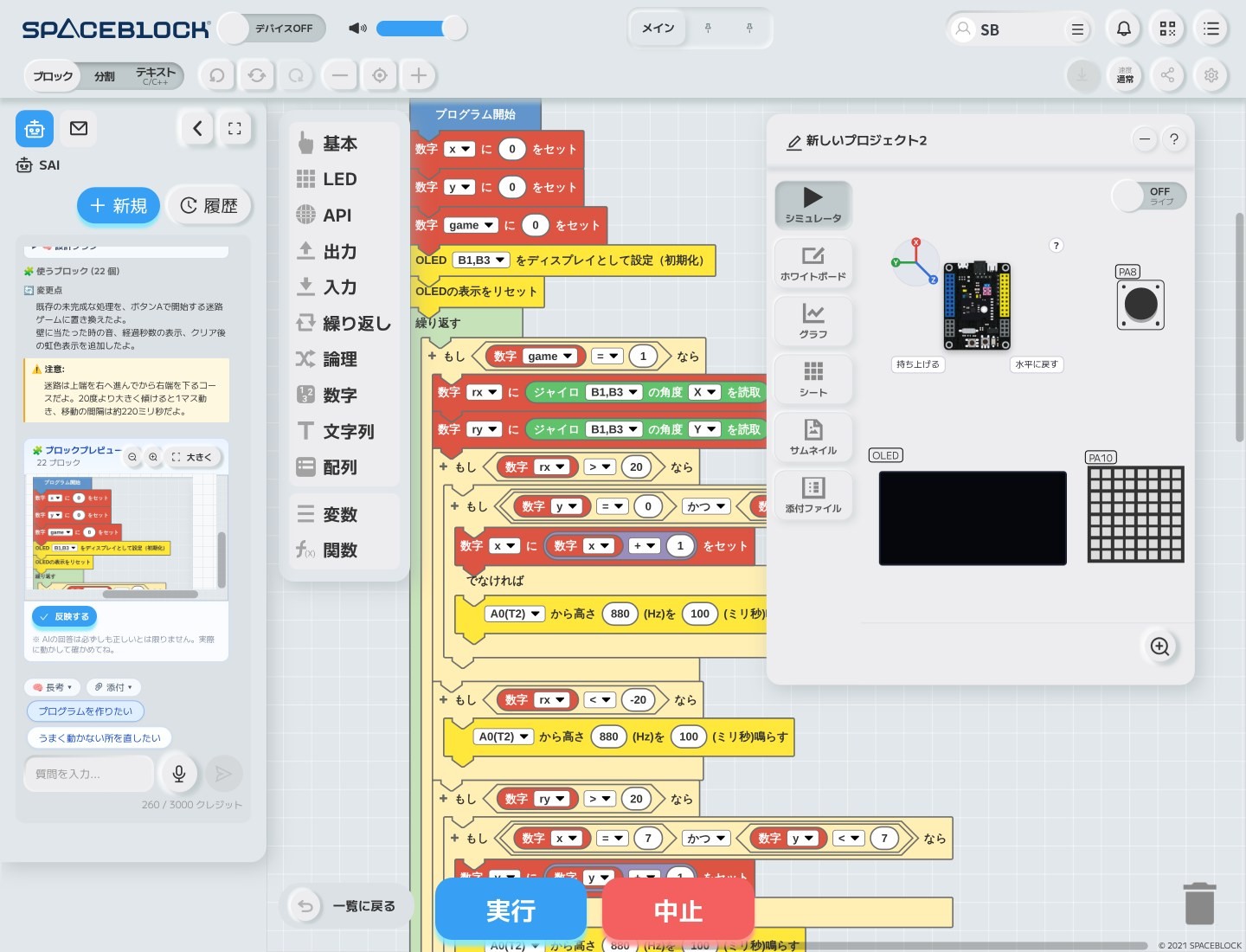
Light up LEDs, or move a motor with sensor values. Programs made by Physical SAI™ can be tried right away on SPACEBLOCK devices. If something doesn't work, keep asking and improve it step by step.
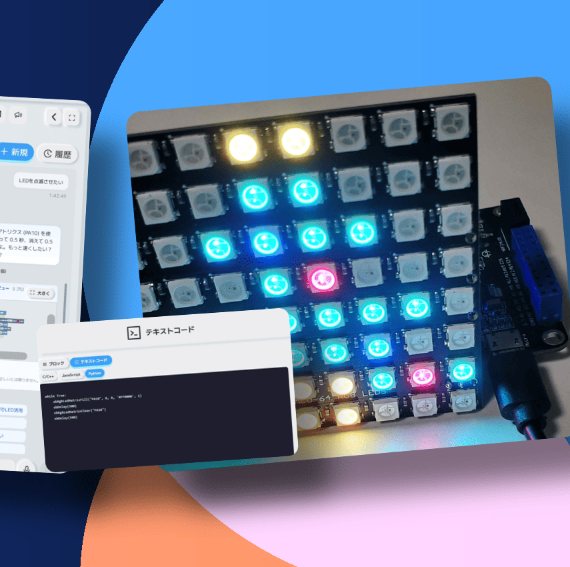
Each answer includes a block preview, so you can check it before applying it to your program.
*Physical SAI™ is available on the Starter plan and above. Usage limits apply for each plan, and "Deep think" uses more than "Normal".
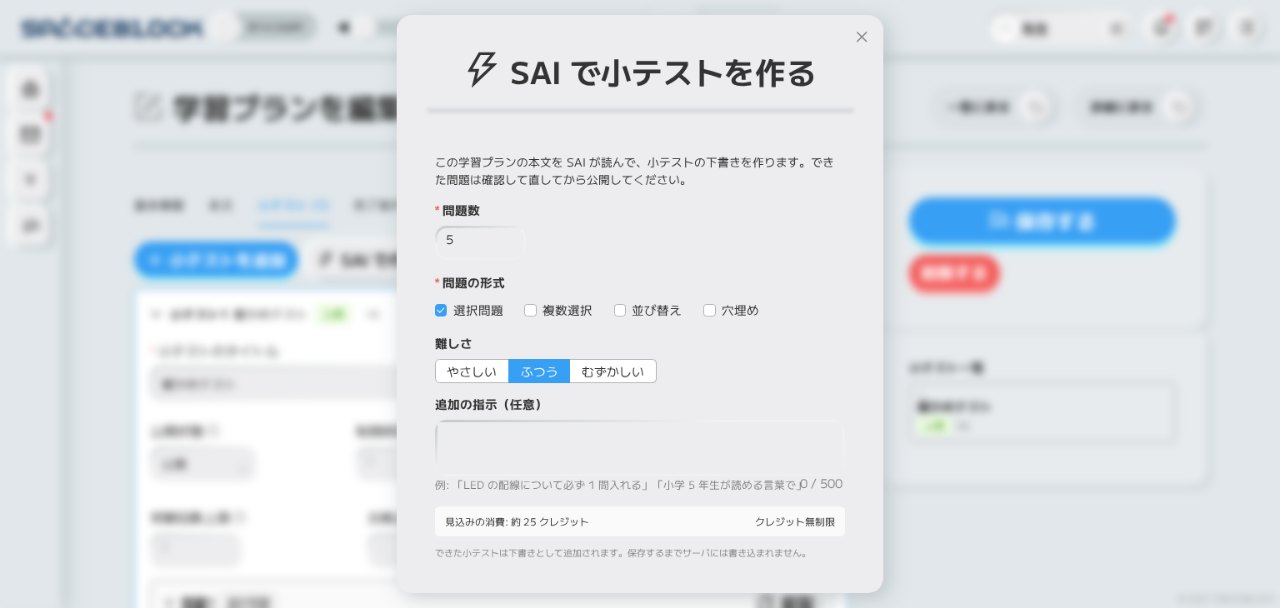
Physical SAI™ also supports teachers' lesson preparation: drafting learning plans and quizzes, framing inquiry questions and organizing research. It also suggests questions that fit the screen you have open.
Designed to be easy to use in inquiry-based learning and programming education.
Just say what you want to do and it generates SPACEBLOCK block programs. Leave complex programs to "Deep think" mode from design onward, or ask it to modify existing programs.
Run the generated program and SPACEBLOCK devices such as sensors, motors and LEDs start moving.
See the same content as text code in C/C++, JavaScript and Python.
Answers are based on materials such as the manual, with links to related pages.
Supports voice input and questions with an attached photo or part of the screen.
Combine it with blocks for public and private open data, weather and maps to explore data from the world around you.
Physical SAI™ is available on the Starter plan and above. Feel free to contact us about using it in class or introducing it.
